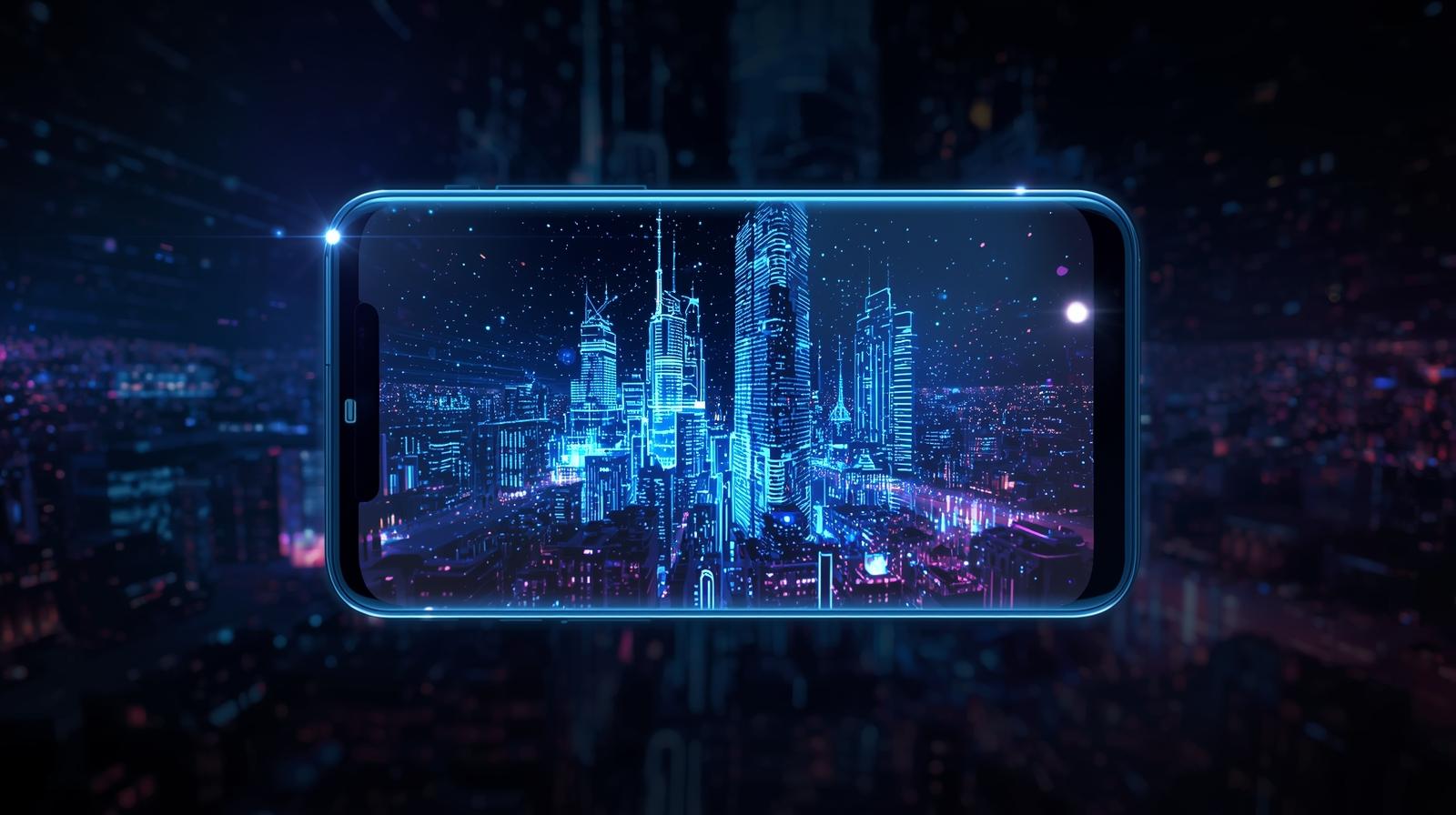
Smartphones today are powerful, fast, and stylish—but let’s be honest, most phones still look the same once the screen turns on. That’s where Transparent Screen and Live Wallpaper apps come in.
If you want your phone to look different, eye-catching, and futuristic, this guide will help you understand everything—what they are, how they work, and whether they’re actually worth using.
What Is a Transparent Screen Wallpaper?
A Transparent Screen Wallpaper creates the illusion that your phone’s screen is see-through.
In reality, the app uses your phone’s camera feed as the background, making it look like you can see through the screen.
How it feels:
- Icons float on top of the real world
- Your phone looks futuristic and unique
- Great for showing off to friends 😄
⚠️ Important note:
Your phone is not actually transparent—it’s a visual effect created using the camera.
What Is a Live Wallpaper?
A Live Wallpaper is an animated background instead of a static image.
It can include:
- Moving shapes
- 3D effects
- Animated scenes
- Interactive backgrounds that respond to touch or motion
Live wallpapers make your phone feel more alive and premium.
Transparent Screen vs Live Wallpaper (Quick Comparison)
| Feature | Transparent Screen | Live Wallpaper |
|---|---|---|
| Animation | Camera-based (real world) | Digital animation |
| Battery usage | Medium to High | Low to Medium |
| Internet needed | No (after setup) | Usually No |
| Fun factor | Very high | High |
| Practical use | Mostly for style | Style + usability |
Why Do People Love Transparent & Live Wallpapers?
1. Unique Look
Your phone instantly stands out from normal wallpapers.
2. Personal Style
From minimal animations to flashy effects, there’s something for everyone.
3. No Root Needed
Most apps work on standard Android phones—no technical risk.
4. Easy to Change
You can switch wallpapers anytime without affecting your data.
Are Transparent Screen Wallpapers Safe?
Yes—if you download from trusted apps on the Google Play Store.
However, keep these tips in mind:
- Allow only necessary permissions
- Avoid apps that ask for contacts or messages access
- Read recent user reviews
👉 Camera permission is required for transparent screen apps. That’s normal.
Does It Affect Battery Life?
Honest answer:
Yes, slightly.
- Transparent screen wallpapers use the camera → more battery drain
- Live wallpapers are optimized → less battery impact
💡 Tip:
If battery life is important, use transparent wallpaper only occasionally or try lightweight live wallpapers.
Best Use Cases
Transparent Screen:
- Showing off phone design
- Fun experiments
- Short-term use
Live Wallpaper:
- Daily use
- Aesthetic customization
- Lock screen animations
How to Set Transparent Screen or Live Wallpaper (Basic Steps)
- Open Google Play Store
- Search for:
- “Transparent Screen Wallpaper”
- “Live Wallpaper HD”
- Install a trusted app
- Set wallpaper from the app
- Adjust settings (battery, camera, effects)
That’s it—no technical skills required.
Common Myths (Cleared)
❌ Myth: Transparent screens damage the phone
✅ Truth: They’re just visual effects
❌ Myth: Live wallpapers slow phones
✅ Truth: Modern phones handle them easily
❌ Myth: Internet is always required
✅ Truth: Most work offline
Final Verdict: Should You Try It?
If you enjoy:
- Customizing your phone
- Trying new visual styles
- Making your device feel fresh
👉 Yes, you should definitely try transparent screen or live wallpapers.
They’re fun, safe, and easy—and you can always switch back if you don’t like them.