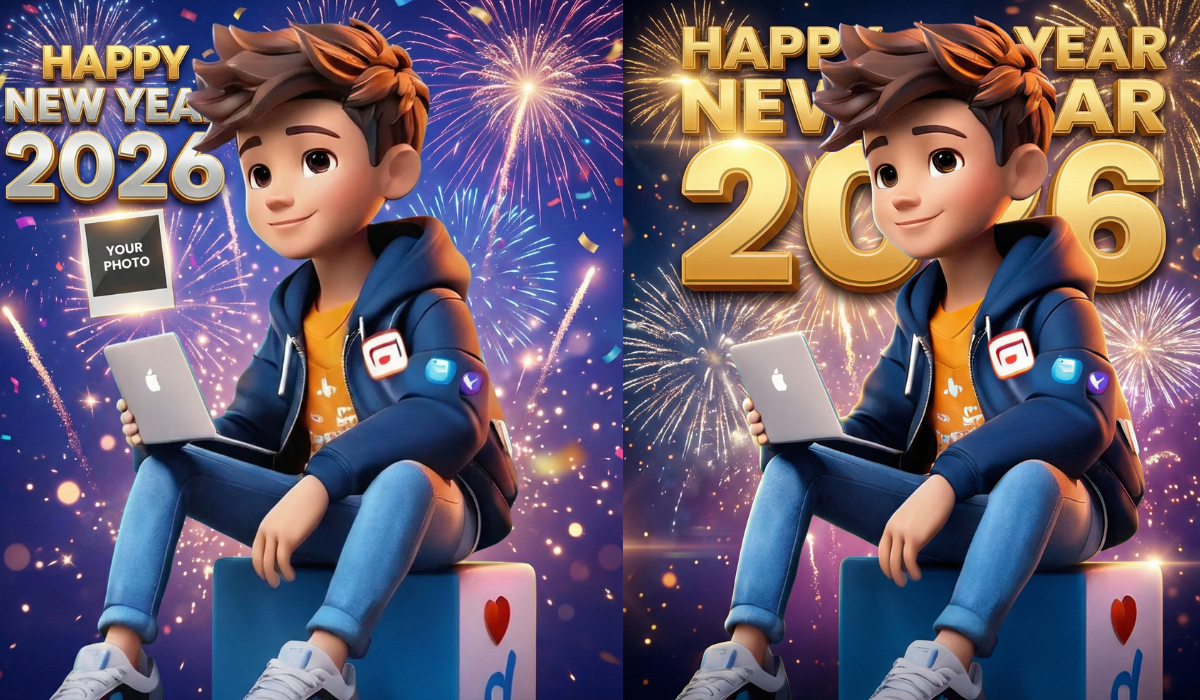
The New Year is not just about celebrations anymore.
In 2026, it’s about creating something personal—something that feels cinematic, emotional, and share-worthy.
Imagine this:
your own photo, styled like a movie poster, glowing lights in the background, bold “Happy New Year 2026” text, and a professional cinematic look—all created using Google Gemini AI, without any editing skills.
Sounds interesting?
Let’s do it step by step.
🎬 What Is a Cinematic New Year Poster?
A cinematic poster is inspired by movie visuals:
- Dramatic lighting
- High contrast colors
- Emotional expressions
- Film-style typography
- Professional background effects
With Google Gemini AI, you can generate this automatically using a simple text prompt.
No Photoshop.
No paid tools.
Just creativity.
🤖 Why Use Google Gemini AI for New Year Posters?
Google Gemini AI is powerful because it:
- Understands natural language
- Generates high-quality visuals
- Works well with human photos
- Allows detailed prompt control
For beginners, this is perfect.
📸 What You Need Before Starting
Make sure you have:
- A clear photo (face visible, good lighting)
- Stable internet
- Google Gemini access (mobile or desktop)
That’s it.
🪄 Step-by-Step: Create Happy New Year 2026 Poster Using Gemini AI
Step 1: Open Google Gemini
Go to Google Gemini and choose image generation or image + text mode.
Step 2: Upload Your Photo
Upload the photo you want to use in the poster.
Step 3: Copy & Paste This Gemini AI Prompt
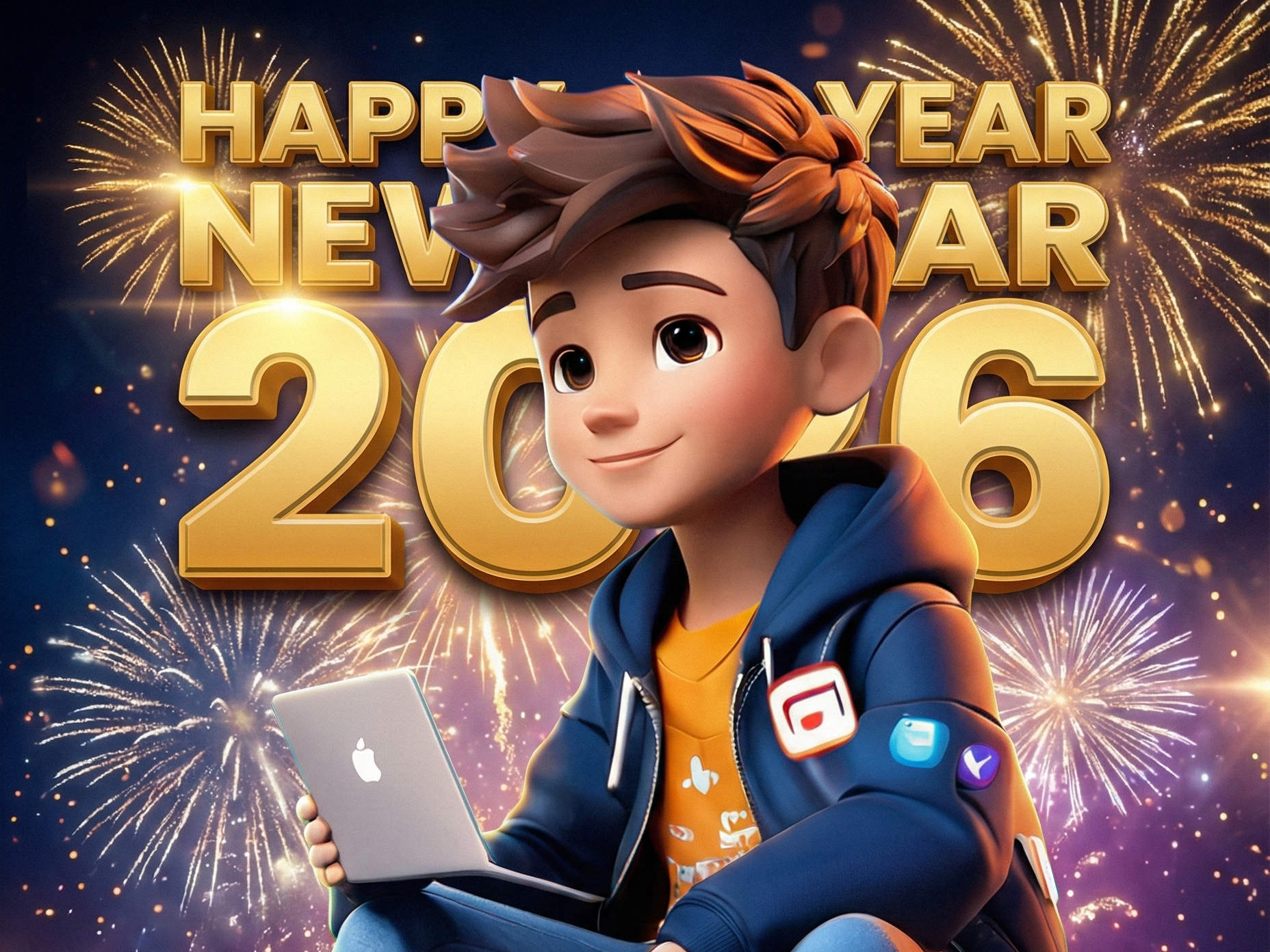
Prompt:
Create a cinematic Happy New Year 2026 poster using my uploaded photo.
Style it like a high-budget movie poster with dramatic lighting, glowing background, and premium color grading.
Add stylish golden text saying “Happy New Year 2026” at the top.
The mood should feel hopeful, powerful, and inspirational.
Use ultra-realistic details, sharp focus, and cinematic depth of field.
Make the overall design modern, elegant, and festive.
Then click Generate.
✨ How to Make Your Poster Look Even Better
Try changing small words in the prompt:
- Replace hopeful with spiritual or energetic
- Add soft fireworks in the background
- Mention gold and blue color theme
Example:
Add soft fireworks, golden particles, and a royal blue cinematic tone.
Small changes = big difference.
📱 Where Can You Use This Poster?
You can use your New Year 2026 poster for:
- Instagram & Facebook posts
- WhatsApp Status
- YouTube thumbnails
- Personal greetings
- Profile photo updates
It’s personal, creative, and unique.
⚠️ Important Tips (Don’t Skip This)
- Use your own photo only
- Avoid celebrity images
- Do not add misleading logos
- Keep text minimal for better visuals
These tips also help if you plan to monetize AI content later.
💡 Why People Love AI-Generated New Year Posters
Because:
- They feel personal
- They look professional
- They are easy to create
- They stand out on social media
And most importantly—people enjoy seeing themselves in something creative.
🎉 Final Thoughts
Creating a Happy New Year 2026 cinematic poster with your photo is no longer difficult or expensive.
With Google Gemini AI and the right prompt, anyone can do it in minutes.
This is not just a trend—
it’s how creativity works in the AI era.
So try it today, experiment with prompts, and welcome 2026 in your own cinematic style ✨