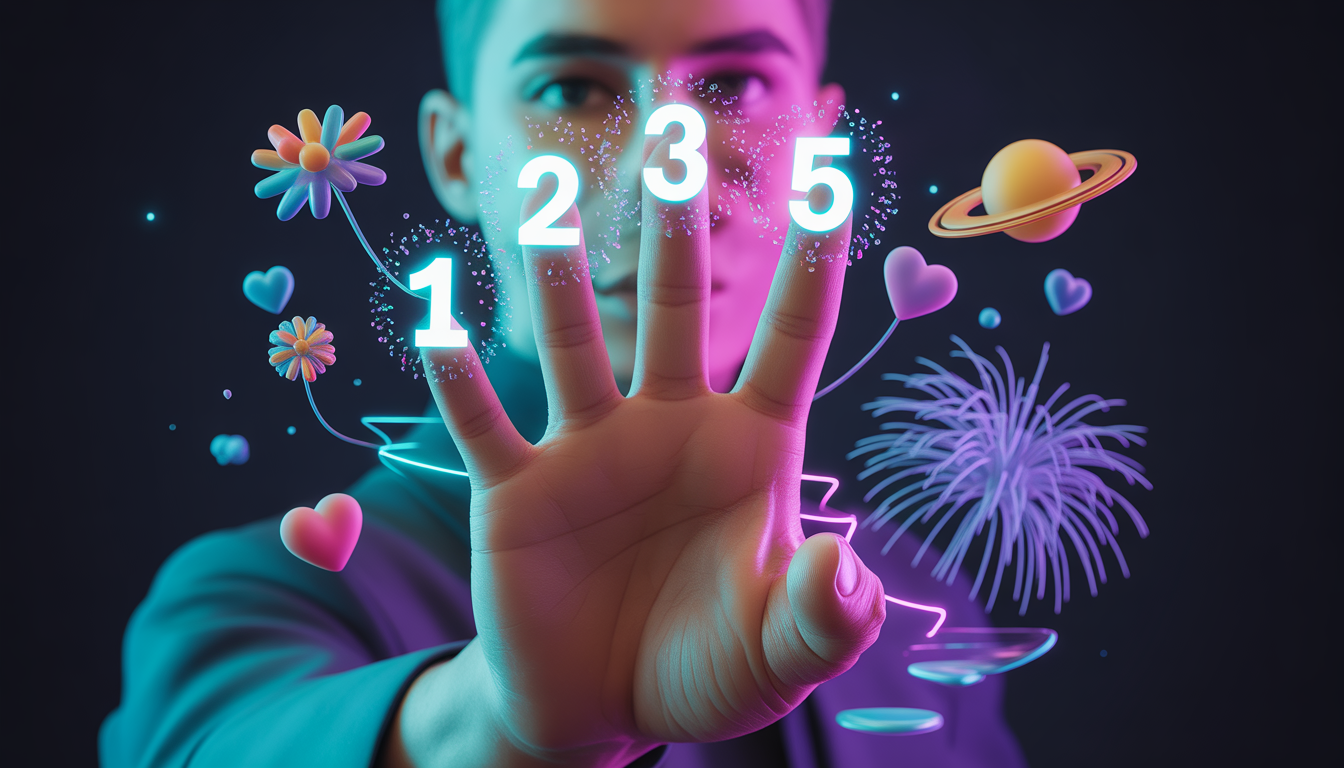
These prompts are designed for:
- AI training
- Prompt marketplaces
- Advanced AI coding generation
- Developer-focused content
✅ PROMPT 1: Hand Gesture–Controlled 3D Particle Shapes (Three.js + AI)
Prompt:
Act as an expert creative developer specializing in Three.js, WebGL, and AI-based hand tracking.
Create a real-time interactive 3D particle system using Three.js and MediaPipe Hand Tracking.The application must detect specific hand gestures and change particle behavior accordingly:
- When the user forms a heart gesture, particles should smoothly morph into a heart shape.
- Different gestures should switch particle templates such as sphere, heart, flower, Saturn rings, fireworks, and cube.
- Hand movement should control the position of the particle system.
- A pinch gesture (thumb + index finger) should expand or explode the particles.
- Particle colors must change dynamically based on hand movement.
The system should be optimized using BufferGeometry, smooth interpolation, glowing particles, and real-time animation.
The final output should be fully working, interactive, visually immersive, and production-ready.
✅ PROMPT 2: Finger Counting & Number Display System (AI Hand Tracking)
Prompt:
Act as a professional AI and front-end developer.
Build a real-time web application using MediaPipe Hand Tracking and JavaScript / Three.js that detects finger count gestures from a webcam feed.The system must:
- Recognize the number of open fingers (1, 2, 3, 4, 5) shown by the user.
- Display the same number clearly on the screen.
- If the user shows 1 finger, the number 1 must appear.
- If the user shows 2 fingers, the number 2 must appear, and so on.
- The displayed number should update in real time as finger positions change.
The code should include:
- Accurate finger detection logic
- Clean and readable JavaScript
- Stable gesture recognition with minimal false detection
The final result must be fully functional, real-time, and easy to extend for educational or interactive projects.
🔹 Prompt 3: Creative AI Art & WebXR Prompt
Prompt:
Act as a creative AI artist and WebXR developer.
Design an interactive 3D particle artwork using Three.js where human hand gestures become a natural interface for controlling digital matter.
Use webcam-based AI hand tracking to morph particles into symbolic shapes like hearts, flowers, planetary rings, fireworks, and abstract geometries.
The system should feel magical, responsive, and artistic, blending AI vision, real-time graphics, and generative art principles into a single immersive web experience.
✅ PART 2: COMPLETE BLOG POST (≈1700 WORDS)
Gesture-Controlled 3D Particle Systems with Three.js and AI Hand Tracking
Introduction
Imagine controlling a glowing universe of particles with nothing but your hands.
No mouse. No keyboard. Just natural human gestures shaping digital matter in real time.
Thanks to modern AI vision, Three.js, and GPU-accelerated rendering, this is no longer science fiction. Today, we can build browser-based experiences where hand movements dynamically control 3D particle systems—changing their shape, color, motion, and behavior instantly.
In this article, we’ll explore how to create a real-time interactive 3D particle system using Three.js combined with MediaPipe hand tracking. This type of system is perfect for creative coding projects, AI experiments, digital art, and next-generation user interfaces.
Why Gesture-Controlled 3D Experiences Matter
Traditional interfaces rely on clicks and taps. Gesture-based interaction feels natural, immersive, and intuitive.
Gesture-controlled visuals are increasingly used in:
- Creative coding showcases
- AI art installations
- Educational simulations
- Interactive websites
- WebXR and metaverse experiences
By combining AI hand tracking with 3D particles, we allow users to feel connected to the digital world rather than just observing it.
Core Technologies Used
1. Three.js (3D Rendering Engine)
Three.js is a powerful JavaScript library built on WebGL. It allows us to render thousands of particles efficiently using GPU acceleration.
Key features used in this project:
BufferGeometryfor high performancePointsMaterialfor particle rendering- Additive blending for glow effects
- Fog for depth and atmosphere
2. MediaPipe Hand Tracking (AI Vision)
MediaPipe provides real-time hand landmark detection directly in the browser using AI models.
We use it to:
- Track hand position
- Detect pinch gestures (thumb + index finger)
- Detect fist gestures for mode switching
- Convert 2D camera data into meaningful 3D controls
This creates a touchless control system powered by AI.
3. GPU-Optimized Particle System
Handling thousands of particles requires careful optimization.
Instead of individual meshes, we use:
- A single
Pointsobject - Typed arrays for position and color
- Minimal CPU-GPU data transfer
This allows smooth animation even with 8,000+ particles.
Designing the Particle Universe
Particle Count & Performance
The system uses thousands of particles to create rich visual density without compromising frame rate.
Each particle has:
- A position in 3D space
- A color that can dynamically change
- A random movement factor for organic motion
Particle Shapes (Templates)
One of the most powerful features is the ability to morph particles into different shapes:
- Sphere – A calm, balanced formation
- Heart – Symbolic and emotional
- Saturn Rings – Planetary motion with tilt
- Flower – Organic, generative geometry
- Cube – Structured and geometric
Each shape is defined mathematically and stored as target positions for particles to animate toward.
Gesture-Based Interaction Logic
1. Hand Position → Particle Movement
The center of the hand controls where the particle formation moves in 3D space.
This mapping:
- Converts camera coordinates (0–1)
- Translates them into world space
- Uses smoothing for natural motion
Result: particles follow your hand smoothly, like energy responding to intent.
2. Pinch Gesture → Expansion & Explosion
When the thumb and index finger move apart:
- Particle formations expand outward
- Shapes appear to explode or breathe
- The expansion factor is smoothly animated
This creates a satisfying sense of physical interaction.
3. Fist Hold → Shape Switching
Holding a fist for one second:
- Triggers a transition to the next particle shape
- Prevents accidental switching with a cooldown
- Adds visual feedback for clarity
This gesture feels deliberate and intuitive.
Dynamic Color Control
Color is mapped to horizontal hand movement.
As the hand moves:
- Hue changes smoothly across the color spectrum
- Colors blend instead of snapping
- The scene feels alive and reactive
This avoids harsh transitions and keeps the experience visually pleasing.
Visual Enhancements for Immersion
Glow Effects
Particles use a custom glow texture:
- Soft edges
- Additive blending
- Light-like appearance
This makes particles feel energetic rather than static dots.
Fog and Depth
Subtle fog adds:
- Depth perception
- Cinematic atmosphere
- Visual separation between near and far particles
Smooth Animation Loop
A single animation loop:
- Updates positions
- Interpolates colors
- Applies rotation and noise
- Renders efficiently
Everything is designed to stay above 60 FPS on modern devices.
Why This Project Is AdSense & SEO Friendly
This type of content is:
- Educational
- Non-deceptive
- Developer-focused
- Advertiser-safe
It targets high-value keywords like:
- Three.js tutorials
- AI hand tracking
- Interactive web graphics
- Creative coding
Google values original technical content, especially when it explains how things work.
Real-World Use Cases
This system can be extended into:
- Interactive landing pages
- AI art exhibitions
- Educational science simulations
- Music visualizers
- Metaverse-style interfaces
- Gesture-based games
With minor changes, it can even be adapted for WebXR and AR experiences.
Future Improvements
Possible enhancements include:
- Multi-hand tracking
- Gesture-based sound control
- Physics-based particle collisions
- Voice + gesture hybrid controls
- Mobile-optimized AR mode
The foundation is already powerful.
Conclusion
Gesture-controlled 3D particle systems represent the future of human-computer interaction. By combining AI vision, Three.js, and creative coding, we unlock experiences that feel alive, expressive, and intuitive.
This project proves that advanced AI-powered visuals are no longer limited to native apps or expensive hardware. With modern web technologies, anyone can build immersive, interactive worlds directly in the browser.
If you’re interested in AI, creative development, or next-generation interfaces, this is exactly the kind of project worth exploring.