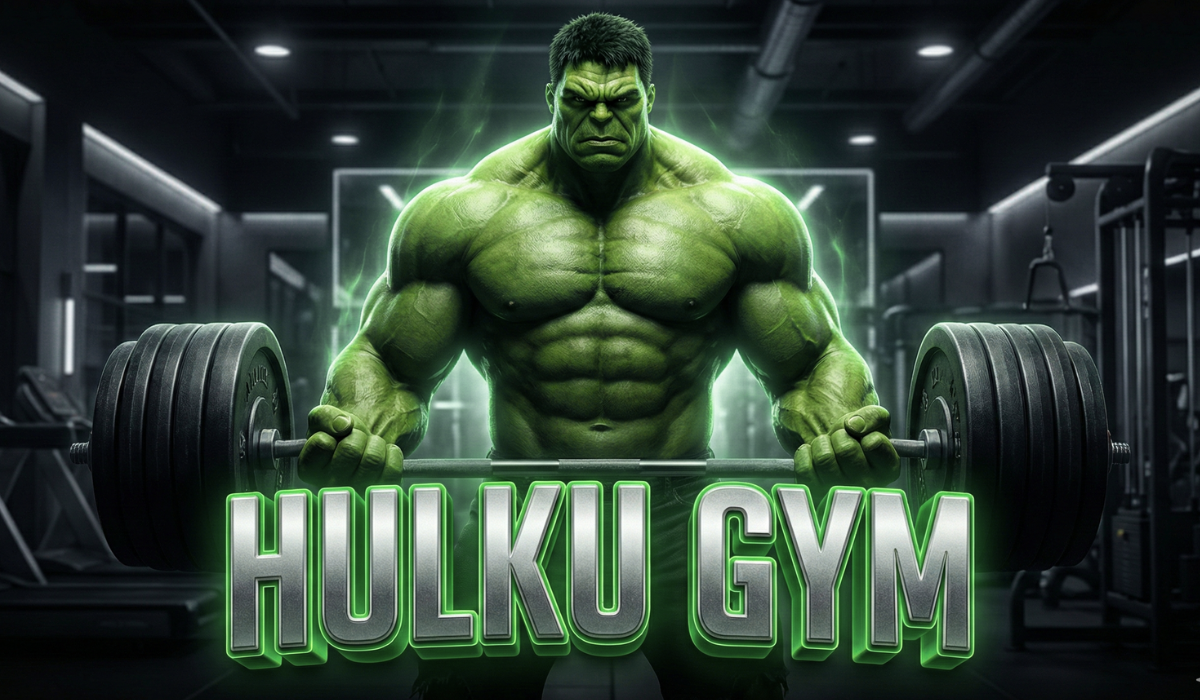
Creating a Hulk AI video used to require heavy software, editing skills, and powerful computers. But now, thanks to AI video generation tools and ChatGPT, anyone can create a stunning Hulk-style video in just one click — even if you are a complete beginner.
If you want to create Hulk AI videos for YouTube Shorts, Instagram Reels, or entertainment content, this guide will help you step by step. No technical knowledge required.
Let’s start from the basics and go all the way to publishing your video.
What Is a Hulk AI Video?
A Hulk AI video is an AI-generated video where a character transforms into Hulk or appears with Hulk-like features such as:
- Green muscular body
- Powerful transformation effects
- Cinematic lighting
- Superhero-style action
These videos are very popular on:
- YouTube Shorts
- Instagram Reels
- Facebook Reels
People love them because they are short, dramatic, and visually powerful.
Why Hulk AI Videos Are Trending So Much?
There are three main reasons:
- Superhero content never dies
Hulk is a globally recognized character. - AI makes it easy
You don’t need editing skills anymore. - Short-form platforms push this content
AI transformation videos get high engagement.
That’s why creators are getting thousands or even millions of views using Hulk AI videos.
What You Need Before Creating a Hulk AI Video
Before we start, make sure you have:
- A mobile phone or laptop
- Internet connection
- One AI video website
- ChatGPT (for perfect prompts)
That’s it. No software installation needed.
Step 1: Use ChatGPT to Create a Perfect Hulk AI Prompt
ChatGPT plays a very important role here. It helps you generate a professional AI prompt, which is the secret behind high-quality videos.
Example Hulk AI Prompt (You Can Copy)
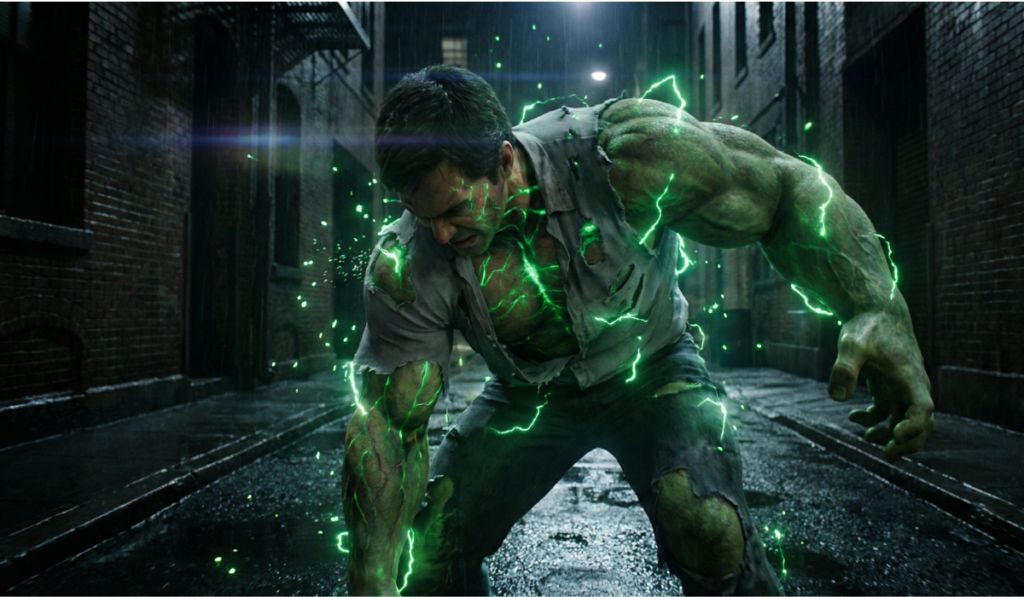
A cinematic AI video of a normal human suddenly transforming into a powerful Hulk.
Green muscular body, glowing eyes, dramatic lighting, intense energy effects.
Ultra realistic, smooth motion, 4K quality, cinematic superhero style.
Dark background with glowing green particles, epic transformation moment.
This prompt tells the AI exactly what kind of Hulk video to generate.
Step 2: Best 1-Click Hulk AI Video Website
Now let’s talk about the most important part — the AI video website.
Recommended AI Video Websites
You can use any of these (depending on availability):
- Pika AI
- Runway ML
- PixVerse AI
- Kaiber AI
- Genmo AI
Most of these platforms work like this:
- Paste prompt
- Upload image (optional)
- Click generate
- Video ready
That’s why it’s called 1-click AI video creation.
Step 3: How To Make Hulk AI Video in 1 Click (Step-by-Step)
Step 1: Open AI Video Website
Go to your chosen AI video generation website.
Step 2: Login or Sign Up
Use Google login for faster access.
Step 3: Paste ChatGPT Prompt
Paste the Hulk AI prompt you created earlier.
Step 4: Upload Image (Optional but Recommended)
You can upload:
- Your own photo
- A normal man image
- AI-generated human image
This makes the transformation more realistic.
Step 5: Click Generate
Just click Generate Video.
That’s it.
The AI will automatically create a Hulk transformation video.
Step 4: Download and Edit (Optional)
Most AI videos are already good, but for better performance:
- Trim video to 6–10 seconds
- Add dramatic sound effects
- Add background music
You can use:
- CapCut
- VN Editor
- InShot
This step is optional but helps in going viral.
Step 5: Best Settings for Reels & Shorts
For maximum reach, use these settings:
- Aspect Ratio: 9:16
- Video Length: 7–12 seconds
- Resolution: 1080p or 4K
- FPS: 30 or 60
Short, powerful videos perform best.
How ChatGPT Improves Hulk AI Video Quality
ChatGPT is not just for writing. It helps in:
- Creating cinematic prompts
- Improving visual description
- Adding transformation effects
- Generating multiple prompt variations
Example Advanced Prompt (Optional)
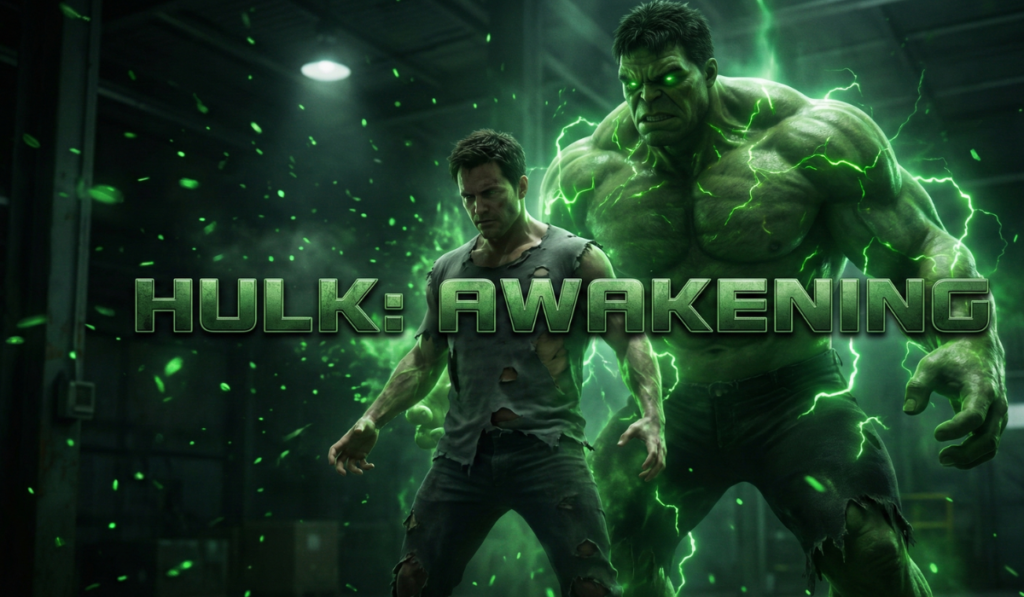
Ultra cinematic Hulk transformation video.
Human body cracking with green energy, muscles expanding.
Epic superhero transformation, slow motion, dramatic camera movement.
Hollywood-level VFX, intense glow, realistic skin texture.
Common Mistakes to Avoid
Many beginners make these mistakes:
- Using very short prompts
- Copying prompts blindly
- Making videos too long
- Adding too much text on video
- Using copyrighted music
Avoid these and your content quality will improve automatically.
Can You Monetize Hulk AI Videos?
Yes, but smartly.
Safe Monetization Options:
- Entertainment content
- Story-based AI videos
- Transformation reels
- Shorts monetization
⚠️ Avoid:
- Claiming official Marvel content
- Using original movie clips
- Using copyrighted logos
Always keep your video AI-generated and original.
Is ChatGPT Content Safe for Websites & AdSense?
Yes, if used properly.
Google doesn’t hate AI.
Google hates low-quality, copied, and unhelpful content.
This article style:
- Solves a clear problem
- Is written for humans
- Has structure
- Provides value
That’s why it is safe for blogs and AdSense.
Why This Topic Is Perfect for Your Website
“Hulk AI Video” topic is:
- Trending
- Entertainment-based
- Beginner-friendly
- High engagement
- Short-form friendly
Perfect for:
- AI content websites
- Entertainment blogs
- Reel & Shorts creators
Final Thoughts
Creating a Hulk AI video in only one click is no longer a dream. With the right AI video website and ChatGPT-generated prompts, anyone can create professional, cinematic videos within minutes.
You don’t need editing skills, expensive software, or a powerful PC. Just creativity and consistency.
If you stay original and focus on entertainment, AI videos can help you grow fast.