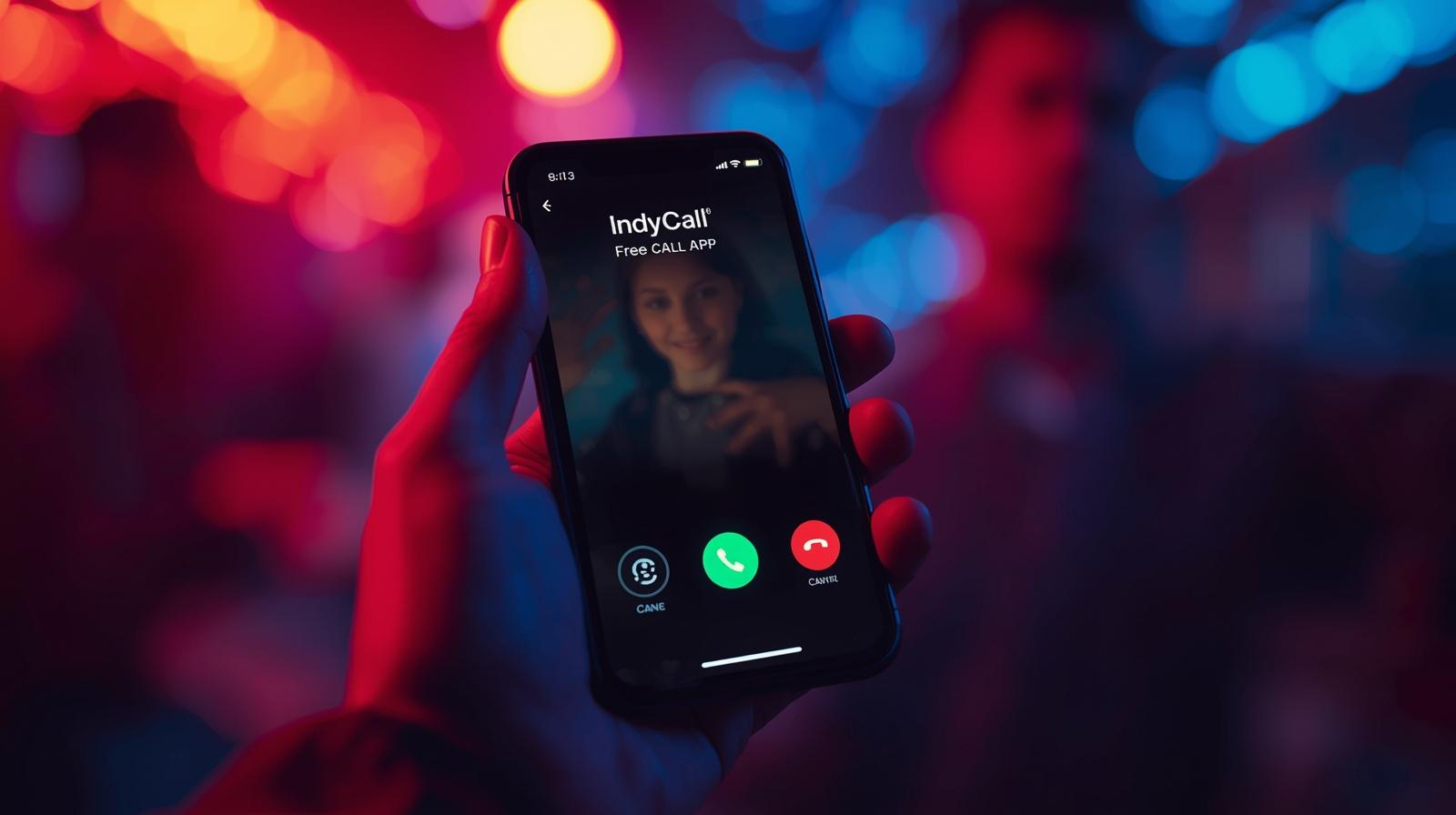
In today’s digital world, staying connected is more important than ever. Whether you want to talk to a friend, contact a business, or make an international call, calling someone usually costs money—especially if it’s not a local call. But what if you could call anyone using just their phone number without paying call charges?
That’s where IndyCall – Free Call App comes in.
IndyCall has become popular among users who want to make free phone calls using the internet, without needing the other person to install the app. In this detailed guide, you’ll learn what IndyCall is, how it works, how to use it, its features, advantages, limitations, and whether it’s safe and worth using.
What Is IndyCall – Free Call App?
IndyCall is a mobile application that allows users to make free calls to any phone number—mobile or landline—using an internet connection (Wi-Fi or mobile data).
The biggest advantage of IndyCall is that:
- The receiver does NOT need IndyCall installed
- Calls are made directly to phone numbers
- No SIM balance is required for calling
Instead of charging users money, IndyCall offers free calling minutes in exchange for watching short ads.
How Does IndyCall Work?
IndyCall uses VoIP (Voice over Internet Protocol) technology. This means your voice is transmitted over the internet rather than traditional cellular networks.
Here’s how it works in simple terms:
- You connect to the internet (Wi-Fi or mobile data)
- IndyCall routes your call through its servers
- The call reaches the recipient’s phone number like a normal call
- You use earned minutes instead of money
The app rewards users with free call minutes for watching ads or completing simple tasks.
How to Call Anyone Using IndyCall (Step-by-Step)
Using IndyCall is very simple, even for beginners.
Step 1: Download the IndyCall App
- Available on Google Play Store
- Search for “IndyCall – Free Calls”
- Install the app on your Android device
Note: IndyCall is primarily available for Android users.
Step 2: Sign Up or Log In
You can sign up using:
- Google account
- Email ID
No complicated verification process is required.
Step 3: Earn Free Call Minutes
Before making calls, you need minutes.
You can earn minutes by:
- Watching short video ads
- Daily check-ins
- Completing in-app tasks
Each ad gives you a specific number of calling seconds or minutes.
Step 4: Enter the Phone Number
- Select the country code
- Enter the mobile or landline number
- Make sure the number is correct
Step 5: Make the Call
- Tap the call button
- Your call connects using the internet
- Minutes are deducted automatically
That’s it—you’re calling someone for free using their number.
Key Features of IndyCall – Free Call App
IndyCall offers several useful features that make it stand out from other free calling apps.
1. Call Any Phone Number
You can call:
- Mobile numbers
- Landline numbers
- Local and international numbers
The receiver doesn’t need internet or any app.
2. Free Calling Minutes
Instead of paying money:
- Watch ads
- Earn free minutes
- Use them to call anyone
This makes it ideal for users on a tight budget.
3. International Calling
IndyCall supports international calls, which are normally expensive through telecom operators.
This is especially useful for:
- Students
- Freelancers
- People with friends or family abroad
4. No SIM Balance Required
You don’t need:
- Recharge balance
- Calling packs
Only an internet connection is required.
5. Simple and User-Friendly Interface
The app is:
- Easy to use
- Cleanly designed
- Suitable for non-technical users
Is IndyCall Really Free?
Yes—but with a condition.
IndyCall is ad-supported, which means:
- You watch ads
- You earn calling minutes
- You make free calls
If you don’t want ads, IndyCall also offers paid plans, but they are optional.
So technically:
- Calls are free
- Your “payment” is your time watching ads
Pros of Using IndyCall
Here are the main advantages of IndyCall:
- ✅ Free calling using phone numbers
- ✅ No need for the receiver to install the app
- ✅ Works internationally
- ✅ No SIM or balance required
- ✅ Good for emergency or occasional calls
- ✅ Simple setup
For many users, these benefits make IndyCall a practical solution.
Cons and Limitations of IndyCall
Like any app, IndyCall also has some limitations:
- ❌ Ads can be annoying for some users
- ❌ Call quality depends on internet speed
- ❌ Limited free minutes per day
- ❌ Not available on iOS in some regions
- ❌ Not ideal for long, uninterrupted calls
If you need hours of calling daily, this app may not be the best option.
Is IndyCall Safe to Use?
This is an important question.
IndyCall is generally considered safe if:
- Downloaded from the official Play Store
- Permissions are reviewed carefully
- Used for normal calling purposes
However, like all VoIP apps:
- Avoid sharing sensitive information on calls
- Use a secure internet connection
- Read the privacy policy
For normal personal use, IndyCall does not pose major security risks.
Who Should Use IndyCall?
IndyCall is best suited for:
- Students with limited recharge balance
- People who make occasional international calls
- Users who want to test calling without recharge
- Freelancers contacting clients briefly
- Emergency calling when balance is zero
It is not recommended for:
- Business calling for long durations
- Users who hate ads
- People with very slow internet
IndyCall vs Other Free Calling Apps
Unlike apps such as WhatsApp or Telegram:
- IndyCall does not require the receiver to be online
- Works with normal phone numbers
Compared to Skype or similar services:
- IndyCall offers easier free access via ads
- No credit card needed
This makes IndyCall more accessible for beginners.
Tips to Use IndyCall Effectively
To get the best experience:
- Use Wi-Fi for better call quality
- Watch ads during free time to collect minutes
- Keep calls short and to the point
- Check country rates inside the app
- Update the app regularly
These small tips can improve your calling experience.
Final Verdict: Is IndyCall Worth Using?
Yes, IndyCall is worth using if you need free or low-cost calls occasionally.
It is not a replacement for your regular SIM calling, but it is an excellent backup solution when:
- Your balance is zero
- You need to call internationally
- You want to avoid recharge costs
For users who understand its limitations and use it smartly, IndyCall can be a very useful app.